
AI Integration with Existing Systems
Bring AI into the tools your business already uses.
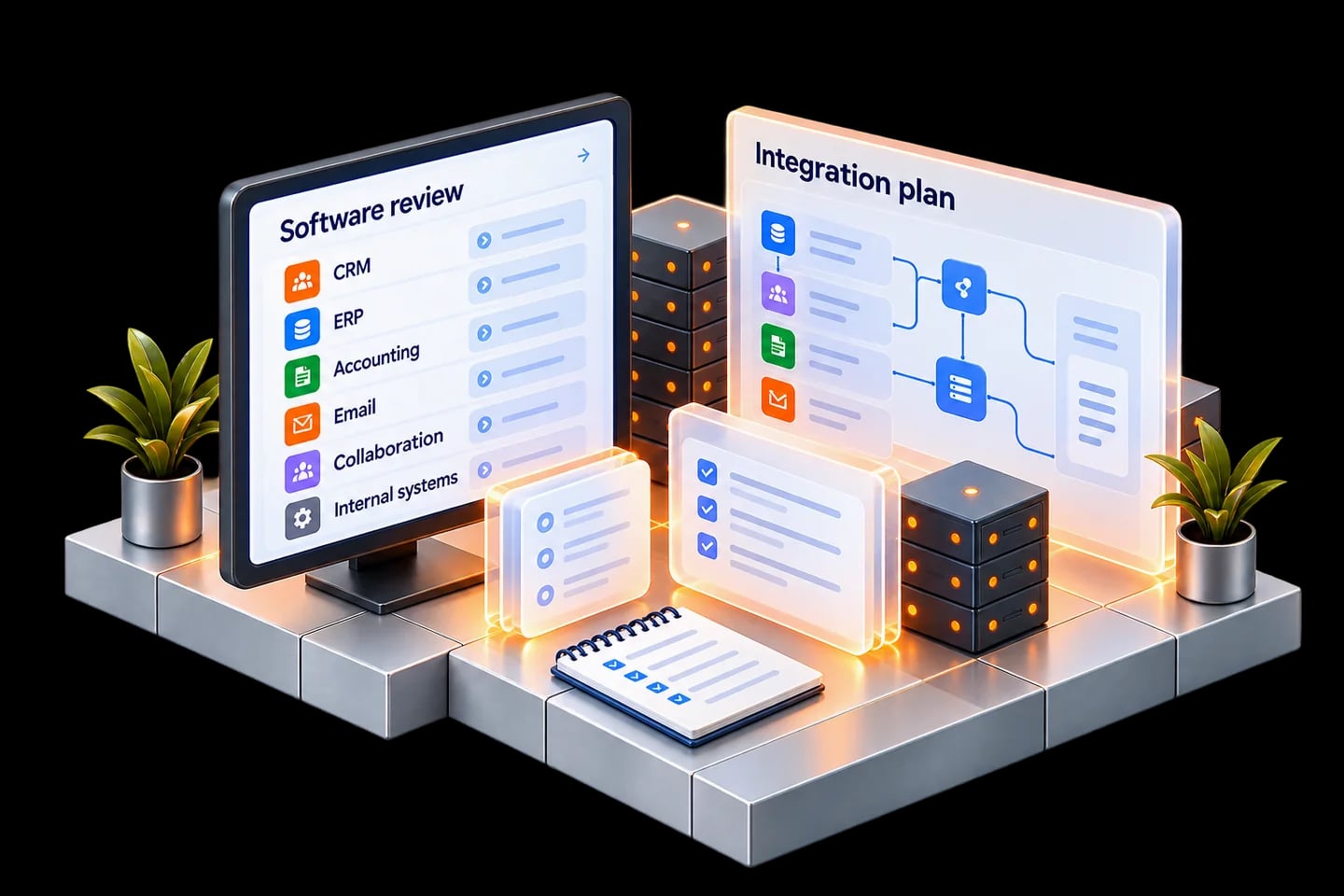
We review your software and workflows, then build tailored AI integrations with clear access rules, action limits and human approvals.
Discuss your current setup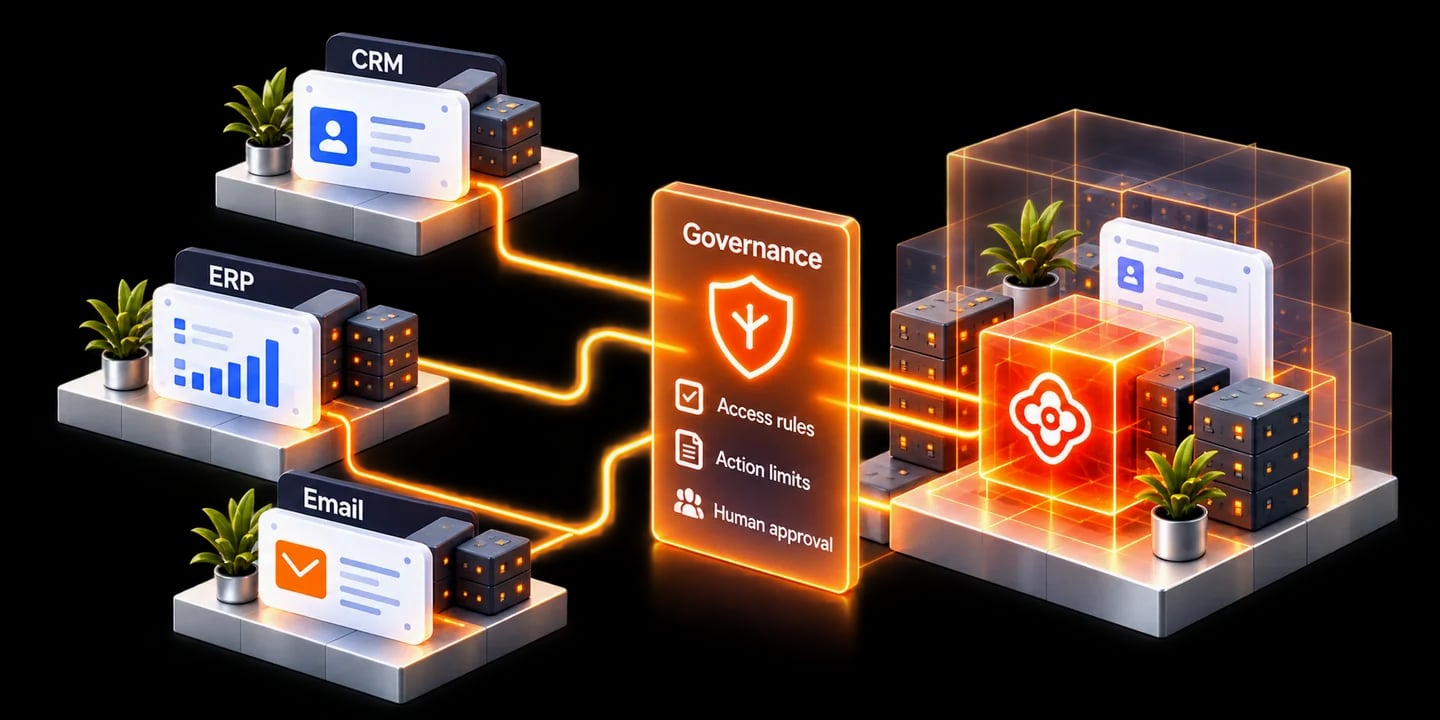
Built around your current setup.
We start with the systems you already use.
Start with a review. Build what fits.
- 01
Review your tools
Software, versions, APIs and permissions.
- 02
Understand the work
Where information moves and decisions happen.
- 03
Agree the integration
Sources, actions, approvals and success measures.
A workflow we can build
Prepare a sales follow-up with the right context.
Use permitted customer information to prepare a draft for review.
- 1
Approved CRM & email context
- 2
Permission check
- 3
Private AI
- 4
Draft follow-up
- 5
Human approval
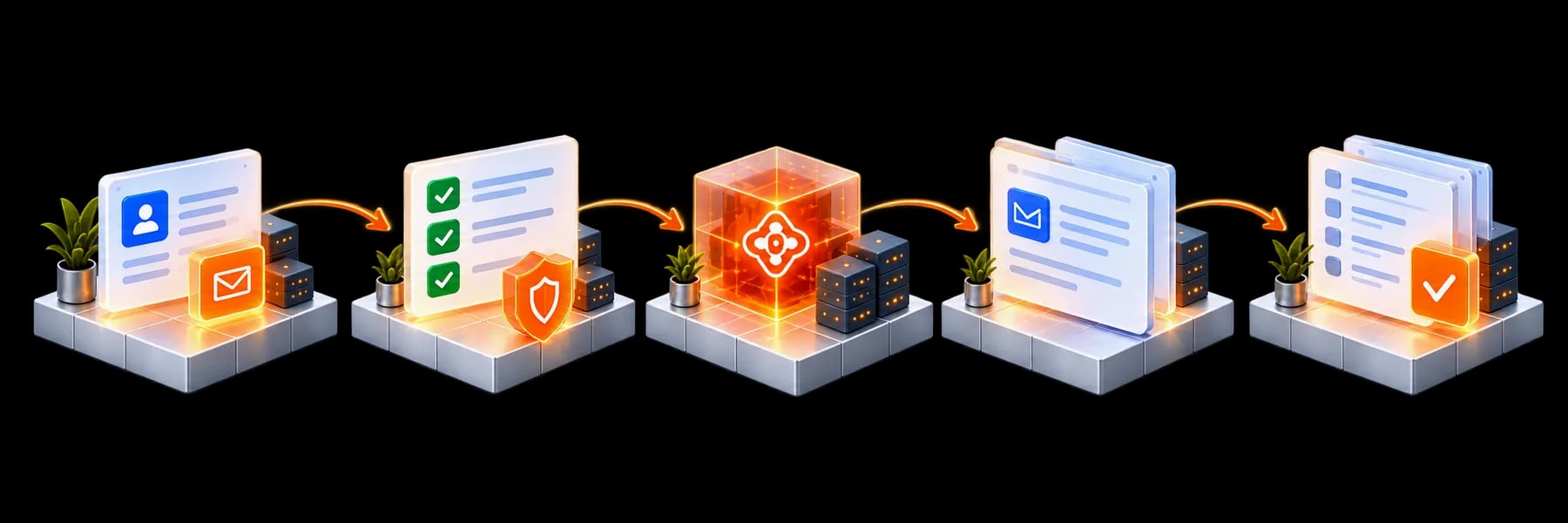
Example workflow. Connections and permitted actions are agreed for your systems.
Control every connected workflow.
Controls are implemented at supported integration points.
Access permissions
Use only agreed sources and fields.
Permitted actions
Limit what each workflow can change.
Human approvals
Review important actions before execution.
Activity records
Agree visibility, access and retention.
Read-only answers & drafts
Retrieve information and prepare work for review.
Approved updates
Enable specific changes only where agreed and supported.
From your tools to a working AI workflow.
- 01
Review setup
Map systems and priorities.
- 02
Design integration
Define access and actions.
- 03
Build & test
Check outputs and allowed or denied paths.
- 04
Deploy & support
Train, hand over and improve.
A few practical questions.
Can you connect any software?
We assess supported APIs, permissions and available integration options before agreeing what can be built.
Do we need to replace our current tools?
We start with the systems you already use.
Where does the AI run?
On your premises or in organisation-managed cloud infrastructure, with connections agreed during design.

Let’s work with what you already have.
Which tools do you use, and where does work get stuck?
Discuss your current setup