
Classify documents
Identify file types and route them to the right process.
Document Intelligence
We build document-processing workflows that classify files, extract the details you need and route uncertain results for review.
Discuss your documents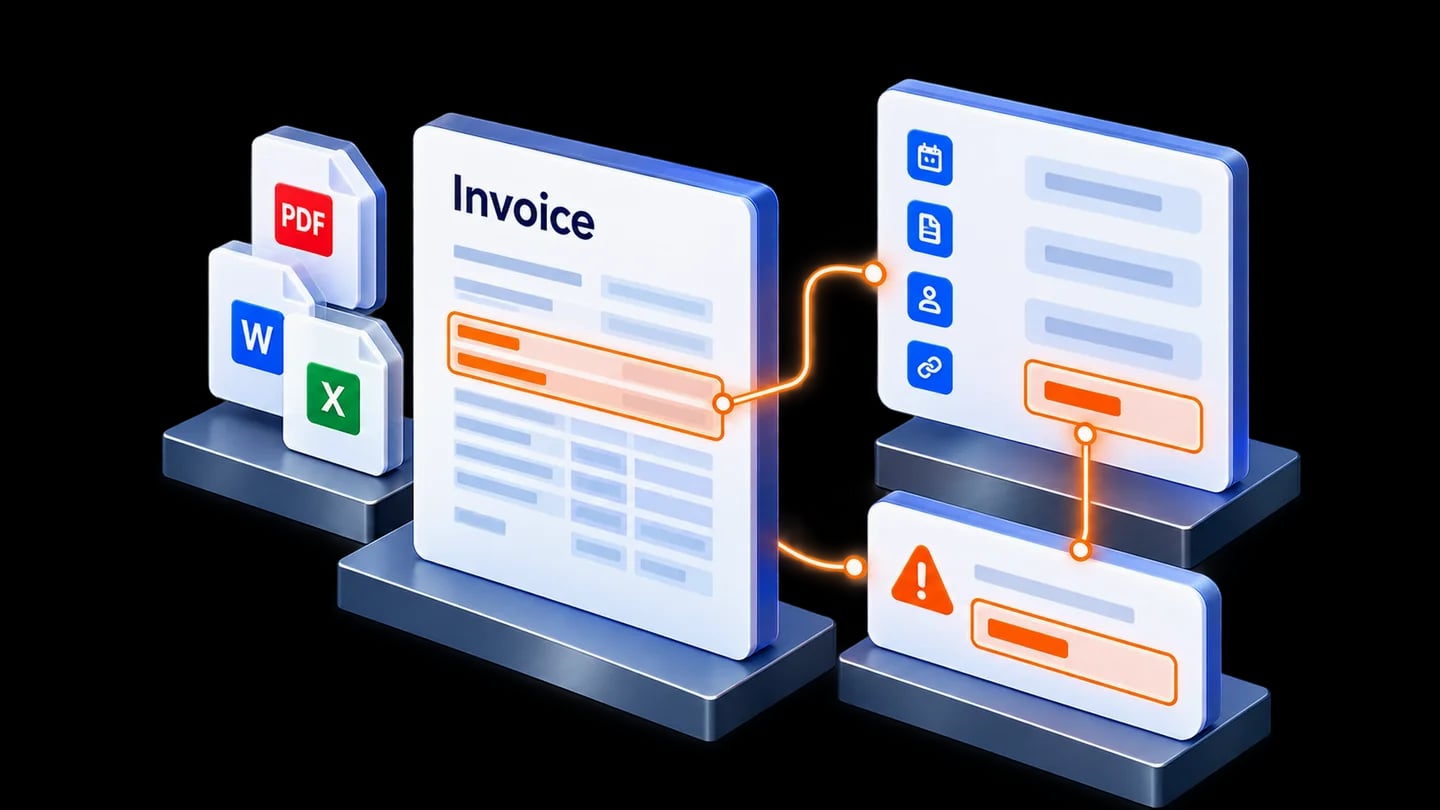
Key capabilities
For invoices, purchase orders, forms, contracts and reports, start with the details your workflow needs.
Identify file types and route them to the right process.
Capture the details and line items you need.
Flag missing information and field inconsistencies.
Send approved information to supported systems.
A workflow we can build
Route uncertain values for correction before the agreed export step.
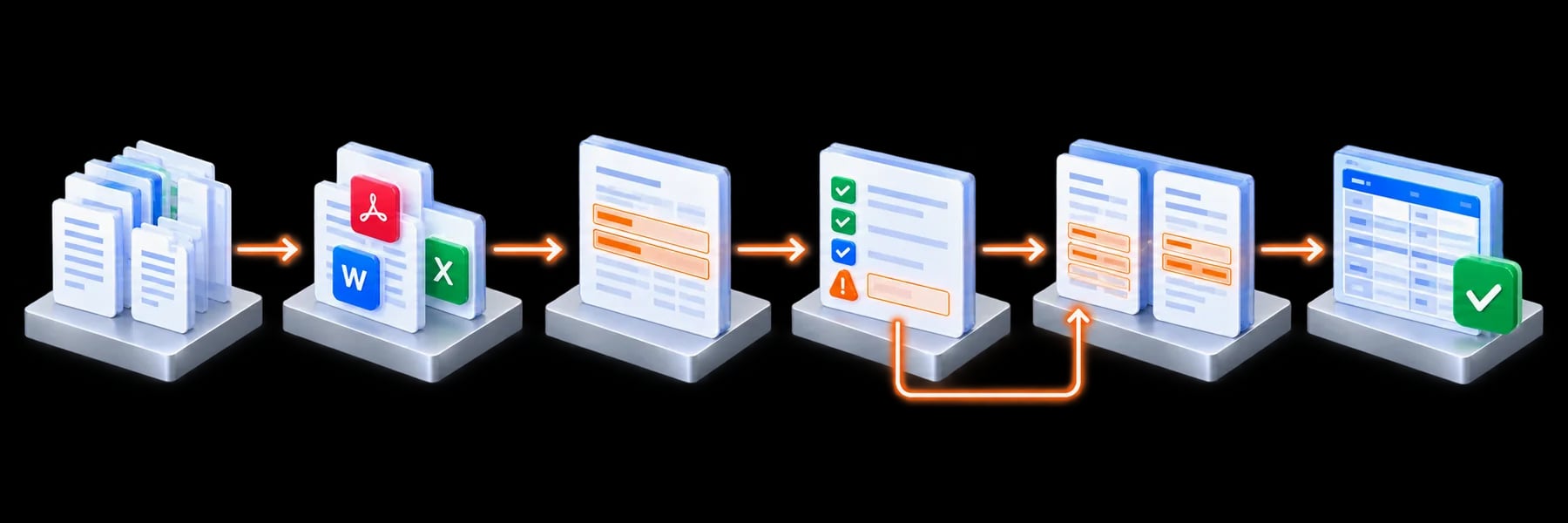
Missing or uncertain? Compare with the original document and correct values. Field checks do not establish whether a source document is true.
Reviewers can compare extracted values with the original page and correct uncertain information.
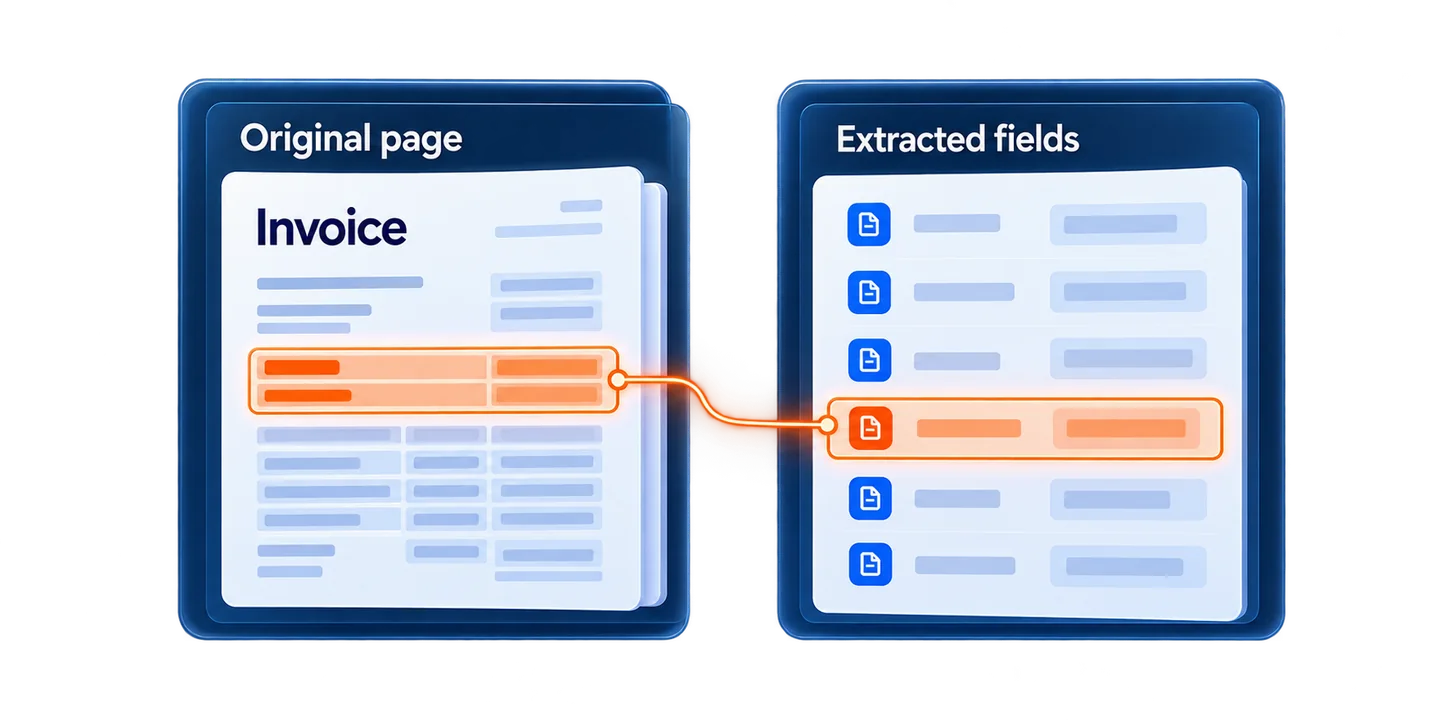
Open the original context behind a field.
Test required fields and agreed business rules.
Agree who can view, review and export.
Choose on-premises or organisation-managed cloud, with agreed retention.
Delivery
Agree document types, fields and review needs.
Define extraction, checks and exception handling.
Evaluate layouts, scans, quality and uncertain cases.
Assess supported connections and agree updates.
Start with a useful scope and agreed success measures. Test before expanding.
We assess image quality and OCR on representative samples.
We review your sample files and layouts before defining scope.
It is routed to a review queue for checking and correction.
We assess APIs, permissions and supported integration options before defining the export.
Tell us what comes in, what you need to capture and where it should go.
Discuss your documents